Filming one video at a time is a productivity trap. You spend 30 minutes setting up lights, another 20 minutes getting your camera angle right, and by the time you actually hit record, half your creative energy is gone. Multiply that by five or seven days a week, and your marketing team is spending more time on logistics than storytelling.
There's a better way. Batch-producing short-form videos lets you create an entire week's worth of content in a single focused session. The concept borrows from manufacturing and production management, where grouping similar tasks together eliminates the constant switching that drains time and mental bandwidth. Companies that streamline operations through tools like BrewPlanner understand this principle well. Whether you're managing a brewery production schedule or a content calendar, batching similar work into dedicated blocks is the fastest path to consistent output.
This guide walks your marketing team through the complete pipeline, from pre-production planning to final export, so you can turn one productive session into seven days of polished, ready-to-publish short-form videos.
Planning Your Batch Session Before You Touch a Camera
The biggest mistake teams make with video batching isn't poor filming technique. It's walking into a session without a plan. When you skip pre-production, your "batch day" turns into a chaotic scramble where everyone is pitching ideas on the fly, scripts are half-written, and you end up with three usable videos instead of seven.
Great batching starts days before the cameras roll.
Build Your Content Calendar First
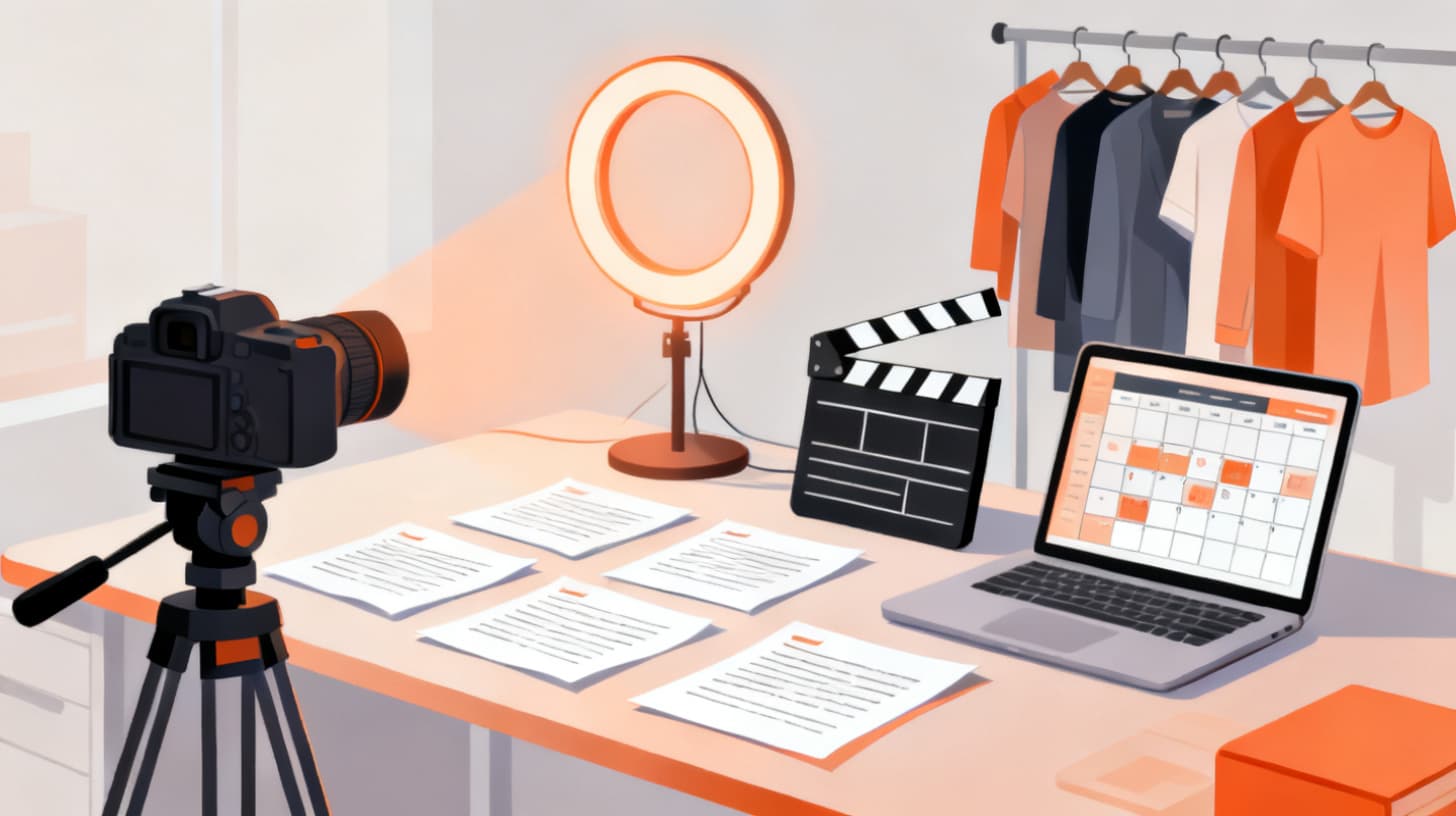
Before you write a single script, decide what you're making. Pull up your content calendar and map out the specific topics, hooks, and formats for each video. A strong batch session typically produces five to ten short-form videos, depending on complexity.
Start by identifying your content pillars. These are the three to five broad themes your brand consistently covers. For a brewery marketing team, that might include behind-the-scenes brewing, product spotlights, team culture, food pairings, and customer stories. For a SaaS company, it could be product tips, industry insights, customer wins, and team introductions.
Once you have your pillars, assign specific video topics to each day of the week. Here's a sample framework:
DayContent PillarVideo TopicFormatMondayProduct SpotlightNew seasonal release teaser15-sec revealTuesdayBehind the ScenesTank-to-tap brewing process30-sec walkthroughWednesdayEducationalHow to pair beer with cheese45-sec tutorialThursdayTeam CultureMeet the head brewer20-sec introFridayCustomer StoryWeekend taproom vibe check30-sec montage
This structure gives your session clear targets. Everyone on set knows exactly what needs to be filmed, in what order, and in what style.
Script and Shot-List Every Video
Short-form videos feel spontaneous, but the best ones are tightly scripted. Write out every hook, talking point, and call-to-action before your batch day. For a 30-second video, that's roughly 75 words. Keep scripts conversational, and always lead with the hook in the first two seconds.
Alongside your scripts, create a shot list that groups videos by location and setup. This is where batching gets its real power. If three of your seven videos use the same background, film all three back-to-back before moving to the next setup. Changing locations and lighting setups is the single biggest time killer in video production, so minimizing transitions saves hours.
Your shot list should include:
- Video title and topic for quick reference on set
- Location and background so you can group by setup
- Props and products needed in frame
- Wardrobe notes if talent appears in multiple videos (change shirts between videos so they don't all look like they were filmed the same day)
- B-roll needs like close-up product shots, environment footage, or action clips
Prepare All Assets in Advance
Gather every physical and digital asset before your session. Charge batteries, clear memory cards, test microphones, and stage your props. If you're using branded graphics, lower thirds, or text overlays in post-production, have your templates designed and ready. The U.S. Small Business Administration recommends that small teams document and systematize their processes, and content creation is no exception. Build a pre-session checklist your team can reuse every single batch day.
A solid pre-production checklist looks like this:
- Content calendar finalized with topics and formats
- All scripts written and approved
- Shot list organized by location and setup
- Props, products, and wardrobe staged
- Equipment charged, tested, and packed
- Graphic templates and brand assets ready for editing
- Team roles assigned (director, talent, camera, editor)
When your prep is thorough, the actual filming session becomes almost mechanical. That's exactly what you want.
Filming Day Workflow That Maximizes Every Minute
Your batch session should feel like a well-oiled production line, not a creative brainstorm. The creative work happened during pre-production. Now it's execution time.
The key principle is simple: minimize setup changes and maximize recording time. Every minute spent adjusting a light or searching for a prop is a minute you're not capturing content. Here's how to structure your filming day for peak efficiency.
Set Up Your Primary Station Once
Choose your most-used filming location and set it up first thing. Get your lighting dialed, your camera locked in position, and your audio levels tested. Then film every single video that uses that setup before you touch anything.
For most marketing teams, this primary station is a simple talking-head setup with good lighting and a clean or branded background. You might film four or five videos at this station alone, just swapping scripts and occasionally changing the speaker's shirt between takes.
Here's a pro tip that saves enormous time: record a quick test clip and watch it back on a large screen before you start your real takes. Check for distracting background elements, unflattering shadows, audio buzzing, or framing issues. Catching these problems before you've filmed seven videos prevents the nightmare of discovering in editing that every clip has the same fixable flaw.
Group by Setup, Not by Publish Date
This is the golden rule of batch filming. Never film videos in the order they'll be published. Film them in the order that minimizes setup changes.
If your Monday and Thursday videos both use a desk setup, film them back-to-back even though they'll publish days apart. If your Tuesday and Friday videos both require outdoor footage, group those together. Your editing team can sort everything into the correct publishing order later.
A typical batch session might flow like this:
- 1Station A (indoor, talking head): Film Videos 1, 4, and 6
- 2Station B (product close-ups): Film B-roll for Videos 1, 2, 3, and 5
- 3Station C (outdoor or on-location): Film Videos 2 and 5
- 4Station D (casual or behind-the-scenes): Film Videos 3 and 7
This approach means you set up and tear down four stations total instead of seven. That alone can cut your filming time by 30-40%.
Record Multiple Takes and Variations
When you're already in position with lighting set and the camera rolling, capture more than you think you need. Record two or three takes of each script. Try one version that's high energy and one that's more relaxed. Film an alternate hook for A/B testing on different platforms.
This extra footage costs you minutes during filming but saves hours later. When your editor has options, they can choose the best delivery without scheduling a reshoot. And those alternate hooks let you repurpose one core video into platform-specific versions for TikTok, Instagram Reels, YouTube Shorts, and LinkedIn.
Also, don't forget B-roll. Between setups, have someone capture 10-15 short clips of your environment, products, team members working, and interesting textures or details. Good B-roll is the secret ingredient that transforms a basic talking-head video into something visually dynamic. Keep a running list of B-roll ideas in your shot list so nothing gets forgotten.
Keep Energy High and Sessions Short
Batch filming is mentally demanding. Talent fatigue is real, and it shows on camera. Plan your session to last no more than three to four hours of active recording. Build in 10-minute breaks every 45 minutes, keep snacks and water on set, and front-load your most important or complex videos when energy is highest.
If you're filming more than seven videos, consider splitting across two shorter sessions rather than one marathon. Two focused three-hour sessions consistently produce better results than one exhausting six-hour day.
Post-Production Pipeline That Delivers Publish-Ready Content
Filming is only half the battle. Without an efficient editing workflow, your batch-produced footage sits on a hard drive while your content calendar goes empty. The post-production pipeline needs to be just as systematized as your filming process.
Organize and Label Everything Immediately
The moment your filming session wraps, transfer all footage to your team's shared drive and organize it before anyone goes home. Create a folder for each video with clear naming conventions. Something like V01_Monday_ProductSpotlight_SeasonalRelease is infinitely more useful than MVI_0472.mp4.
Inside each folder, separate your A-roll (main footage) from B-roll (supplementary clips). Flag your preferred takes so your editor doesn't waste time reviewing footage you already know isn't great. A two-minute investment in organization per video saves 15-20 minutes per video during editing.
Build and Reuse Editing Templates
This is where your post-production time drops dramatically. Create template projects in your editing software that include your brand's intro animation, lower thirds, text styles, color grading presets, music beds, and outro cards. When your editor starts a new video, they duplicate the template and drop in footage rather than rebuilding from scratch.
For a team producing weekly batches, templates can reduce per-video editing time from 45 minutes to 15-20 minutes. That's the difference between spending an entire day editing and wrapping up before lunch.
Your template should include:
- Brand intro (0.5-1 second animated logo or title card)
- Text overlay styles for hooks, captions, and key points
- Color grading preset that matches your brand aesthetic
- Music tracks pre-selected and trimmed to common video lengths
- Outro card with your handle, website, or call-to-action
- Caption/subtitle track formatted for accessibility
Schedule and Distribute From One Hub
Once your videos are edited and exported, load them into your scheduling tool with captions, hashtags, and platform-specific descriptions. Write all copy in one sitting, just like you batched your filming. Grouping similar tasks together applies to writing captions and scheduling posts just as much as it applies to setting up camera equipment.
The efficiency gains here are real. Teams that manage operations from centralized platforms, like how breweries use BrewPlanner to coordinate production schedules and inventory across their entire operation, understand that consolidating workflows into one system prevents things from falling through the cracks. Apply that same mindset to your content distribution. One dashboard, one scheduling session, one week of content handled.
Before you schedule, run through a quick quality control checklist for each video:
- Hook grabs attention in the first 1-2 seconds
- Captions are accurate and properly timed
- Audio levels are consistent across all videos
- Brand elements (logo, colors, fonts) are correctly placed
- Call-to-action is clear and specific
- Video is exported in correct dimensions for each platform
- Description, hashtags, and tags are optimized per platform
Scaling Your Batch System for Long-Term Consistency
Batching one week of content is a great start. But the real payoff comes when you turn this into a repeatable system that your team runs on autopilot, week after week.
Consistency is the single biggest factor in short-form video success. Algorithms reward accounts that post regularly. Audiences grow when they know what to expect. And your team stays sane when there's no daily scramble to create something from nothing.
Create a Rotating Content Framework
Instead of reinventing your content calendar every week, build a rotating framework that cycles through your content pillars on a predictable schedule. Monday is always a product spotlight. Wednesday is always educational. Friday is always behind the scenes. The specific topics change, but the format and structure stay consistent.
This framework makes pre-production faster because your team already knows the template for each day's video. It also helps your audience develop viewing habits. When followers know you always post a quick tutorial on Wednesdays, they start looking for it.
Keep a running idea bank where the whole team can drop video concepts throughout the week. When batch planning day arrives, you're choosing from a list of vetted ideas instead of brainstorming from zero. If you're a brewery or taproom marketing team, you might find additional operational inspiration from resources on how to start a taproom, where the same principles of systematic planning and repeatable processes apply.
Track What Works and Iterate
After each batch cycle, review your video performance metrics. Which hooks got the most views in the first three seconds? Which topics drove the most engagement? Which formats generated actual business results like website visits, follows, or sales?
Build a simple tracking table that your team reviews before each planning session:
Video TopicPlatformViewsAvg Watch TimeEngagement RateAction TakenSeasonal release teaserInstagram12,40018 sec6.2%Double down on revealsBeer + cheese pairingTikTok8,90022 sec4.8%Try other food pairingsMeet the brewerLinkedIn3,20014 sec8.1%Keep for LinkedIn only
Let data guide your content decisions. Double down on what performs and phase out what doesn't. Over time, your batch sessions become more efficient because you're creating fewer experimental videos and more proven formats.
Document Your Process So Anyone Can Run It
The ultimate test of a good system is whether it works without you. Document your entire batch pipeline in a shared playbook that any team member can follow. Include your pre-production checklist, shot list template, filming day schedule, editing workflow, and publishing process.
When your video batch system is documented, it survives team changes, vacation days, and growth. A new marketing hire can read the playbook and participate in their first batch session on day one. That's the difference between a workflow and a system.
Batch-producing short-form videos isn't about working harder or being more creative. It's about applying operational discipline to content creation. The same efficiency mindset that drives platforms like BrewPlanner to help businesses streamline complex production workflows applies directly to your video pipeline. Map the process, eliminate waste, batch similar tasks, and build repeatable systems.
Your next step? Block four hours on your calendar, gather your team, and run your first batch session using the framework in this guide. One focused day can transform your content output for the entire week ahead.