Running a brewery without dedicated management software is like trying to brew a double IPA with a kitchen pot. Sure, you can do it, but you'll waste time, lose money, and probably end up with inconsistent results. Whether you're managing a two-barrel nano operation or scaling up to regional distribution, the right brewery management software can transform how you plan production, track inventory, manage orders, and keep your tanks running at full capacity.
But here's the problem: there are dozens of platforms out there, each claiming to be the best. Some are glorified spreadsheets. Others are built for large-scale food manufacturing and feel completely wrong for a craft brewery. Picking the wrong one means wasted onboarding time, frustrated staff, and a system that collects dust while your team goes back to sticky notes and spreadsheets.
This guide breaks down the features that actually matter, shows you how to compare platforms meaningfully, and gives you a concrete framework for making the right decision.
What Brewery Management Software Actually Does (and Why Most Breweries Need It)
At its core, brewery management software replaces the patchwork of spreadsheets, whiteboards, and manual logs that most breweries rely on. But modern platforms go far beyond simple record keeping. They connect your entire operation into a single system where production, inventory, sales, and purchasing all talk to each other.
Let's break this down into the functional areas that matter most.
Production Scheduling and Tank Management
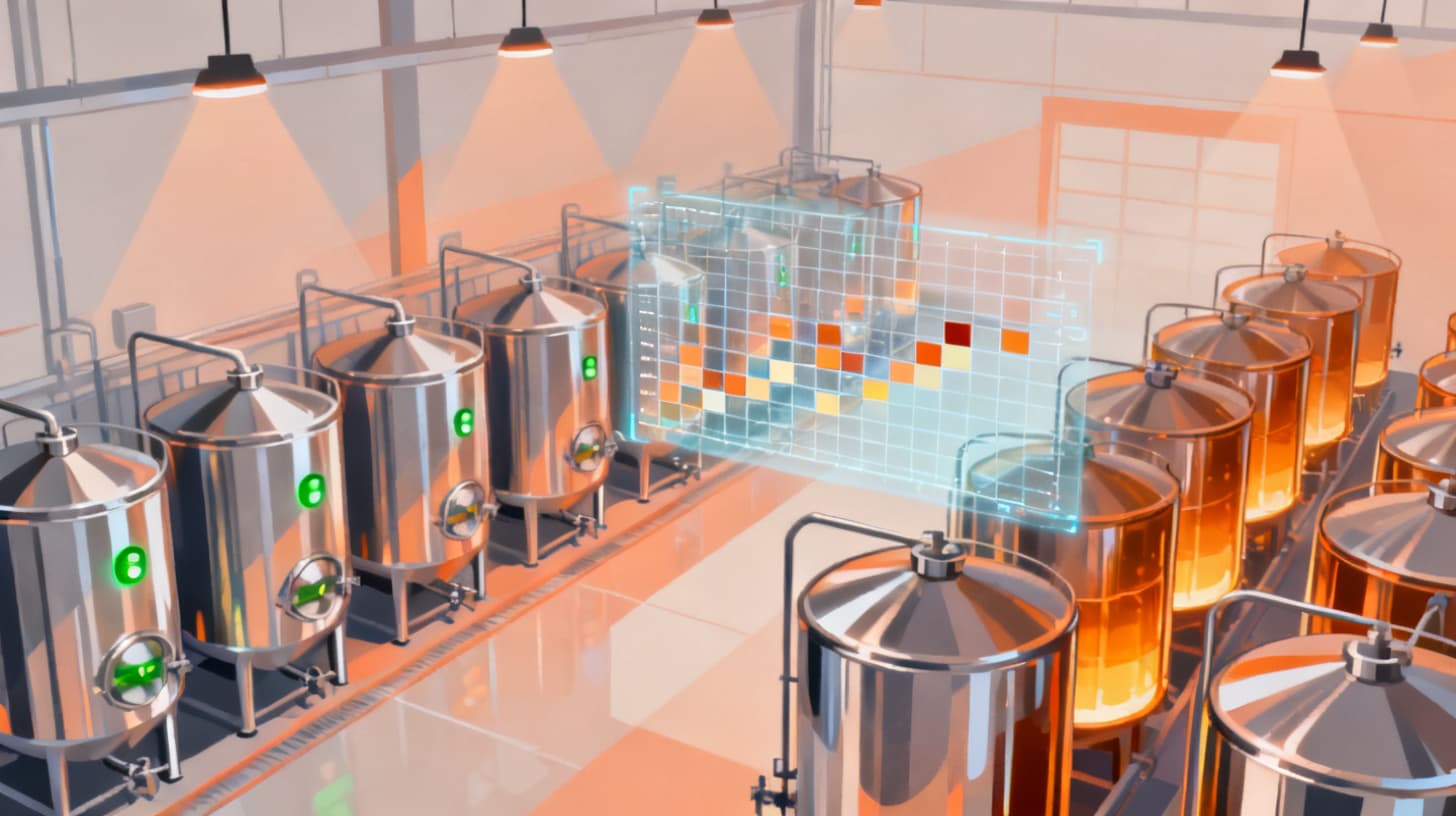
This is where brewery-specific software separates itself from generic ERP tools. A good platform lets you visually schedule your brewing orders across all tank types, whether that's your brewhouse, fermenters, or brite tanks. You should be able to see, at a glance, which tanks are occupied, which are available, and where bottlenecks are forming.
Drag and drop scheduling is a game changer here. Instead of manually calculating tank availability and juggling timelines in a spreadsheet, you move brewing orders across a visual grid. The system tracks volume capacity per tank, so you'll know immediately if you're trying to squeeze 15 barrels into a 10-barrel fermenter.
This capability alone can increase your production throughput significantly. According to the Brewers Association, operational efficiency is one of the top factors separating profitable craft breweries from those that struggle, and production scheduling is a huge piece of that puzzle.
Inventory and Raw Material Tracking
Out of hops? Didn't realize you were low on a specific malt until brew day? These scenarios kill productivity. A proper inventory system tracks every raw material across multiple warehouse locations, logs every transaction (whether it's an intake, a usage, or a transfer between locations), and gives you real-time stock levels.
The best platforms also include a bill of materials feature. This links your finished products to the specific raw materials and quantities they require. When you schedule a production run, the system can flag whether you have enough grain, hops, and yeast on hand, or if you need to place a purchase order first.
Order Lifecycle and Batch Management
From the moment you draft a brewing order to the day you archive it, the software should track every stage. Look for systems that support clear lifecycle states like draft, published, and archived, with automatic batch number generation so every brew is traceable from grain to glass.
This traceability isn't just nice to have. If you ever face a recall situation or a quality complaint, being able to trace a batch back to its raw material lots, brewing notes, and packaging records can save your business.
Vendor and Purchase Order Management
Buying ingredients shouldn't feel like detective work. Good software lets you maintain a vendor database with contact details, addresses, and item catalogs. When you need to reorder, you create a purchase order within the system, track its state from pending to ordered to received, and log items as they arrive.
This closes the loop between inventory and purchasing. When your stock dips below a comfortable level, you should be able to generate a purchase order in minutes, not hours.
Comparing Brewery Software Platforms Without Getting Overwhelmed
The comparison process is where most brewery owners get stuck. Every platform's marketing page makes it sound perfect. Here's a structured approach that cuts through the noise and helps you evaluate what actually matters for your operation.
Build Your Non-Negotiable Feature List First
Before you visit a single software website, write down the ten things your brewery absolutely cannot operate without. Not "nice to haves" but real deal-breakers. For most breweries, this list looks something like this:
- Visual production scheduling with tank assignment
- Real-time inventory tracking across locations
- Purchase order management with vendor catalogs
- Sales order processing with customer management
- Batch traceability from raw materials to packaged product
- Role-based access control (not everyone needs admin access)
- Report generation for production, inventory, and sales
- Multi-user support with activity tracking
Once you have your list, score each platform against it. A platform that nails 8 out of 10 of your non-negotiables beats a platform that sort of covers all 10 but does none of them well.
Evaluate the Depth, Not Just the Breadth
Here's where comparisons get tricky. Two platforms might both claim to offer "inventory management," but the depth of that feature can vary wildly. Ask pointed questions like:
- Can I track stock levels per location, or just globally?
- Does the system support inter-location transfers?
- Can I set up a bill of materials for each finished product?
- Does inventory update automatically when I log a production run?
- Can I generate inventory transaction reports in Excel or PDF?
A platform that offers shallow coverage of many features will frustrate you within months. You want depth in the areas that matter to your daily operations.
Consider the User Experience for Your Whole Team
You might be comfortable navigating complex software, but what about your brewers, packaging crew, and sales team? If the interface is clunky or confusing, adoption will be low. Look for platforms with intuitive visual dashboards, drag and drop interactions, and clear navigation.
Permission systems matter here too. Your head brewer needs access to production scheduling and brewing notes. Your sales manager needs customer and order data. Your part-time packaging assistant probably shouldn't see financial reports. Fine-grained permissions per user per module keep your data secure without making the system feel restrictive.
Compare Total Cost of Ownership
Don't just look at the monthly subscription price. Factor in setup time, training, data migration, and the cost of features locked behind higher tiers. Some platforms offer a free version with core features and a full version that unlocks everything. Others charge per user, which can get expensive quickly as your team grows.
Check out BrewPlanner's pricing as an example of transparent, tiered pricing that lets you start free and scale up as your brewery grows.
Cost FactorQuestions to AskMonthly/Annual FeeIs it per user, flat rate, or usage-based?Setup and OnboardingIs there a setup fee? How long until the team is productive?Feature TiersWhat's locked behind the free vs. full version?Data ExportCan you export your data if you switch platforms?SupportIs support included or extra? What are response times?
Features That Separate Good Platforms from Great Ones
Once you've covered the basics, there's a tier of features that elevates a platform from "functional" to "genuinely transformative." These are the capabilities that save hours every week and reduce costly mistakes.
Schedule Drafts and Publishing Workflows
Imagine being able to plan next week's production schedule without affecting what's currently live on the dashboard. Schedule draft systems let you prepare changes, review them with your team, and then publish them to the live schedule when everyone's aligned. This prevents the chaos of real-time edits where one person's change disrupts another person's plan.
Brewing Notes with Real-Time Collaboration
Brewing is a team sport. Your morning brewer might start a batch, and your afternoon brewer needs to pick up exactly where they left off. Real-time, multi-user brewing notes tied to specific batches and timeline events eliminate the "what happened this morning?" conversation that wastes 15 minutes every shift change.
Audit Trails and History Tracking
When something goes wrong with a batch, you need to know exactly what changed and when. A comprehensive audit trail that tracks every entity change with field-level diffs gives you forensic-level visibility. Who changed the fermentation temperature on Tuesday? When was this ingredient lot received, and who logged it? These answers should be one click away.
Customer and Sales Order Management
If you self-distribute or sell direct to retailers and restaurants, your brewery software should handle the full sales cycle. That means customer records with contacts and addresses, item preferences per customer, and sales orders with item-level state tracking from pending through confirmed to delivered.
This feature often gets overlooked during the comparison process because breweries focus on the production side. But if you're currently tracking customer orders in a separate spreadsheet or email thread, integrating it into your main platform will save your sales team significant time every week.
Reporting and Data Export
You can't improve what you can't measure. Look for platforms that generate reports by batch number, inventory transactions, vendor purchases, and sales activity. Excel export capability is particularly valuable for sharing data with accountants, investors, or distribution partners who don't have access to your software.
PDF generation is another plus for creating professional documents like purchase orders or batch reports that you can share externally.
For a deeper look at how management software fits into the broader food and beverage industry, check out this overview of food and beverage management software.
A Step-by-Step Framework for Making Your Final Decision
Knowing what features to look for is half the battle. The other half is having a reliable process for making the actual decision. Here's a framework that brewery owners and operations managers can follow from start to finish.
Step 1: Document Your Current Pain Points
Spend one week tracking every moment of frustration in your current workflow. Write down every time someone says "I didn't know we were out of that," or "which tank is that batch in?" or "can someone find last month's production numbers?" These pain points become your requirements document.
Be specific. Don't write "inventory is a mess." Instead, write "we ran out of Cascade hops twice last month because nobody updated the spreadsheet after brew day." Specificity helps you match problems to features during the evaluation process.
Step 2: Shortlist Three Platforms
Based on your non-negotiable feature list and pain point document, narrow your options to three platforms. More than three creates decision fatigue. Fewer than three doesn't give you enough basis for comparison.
For each platform on your shortlist, create a simple scorecard:
CriteriaPlatform APlatform BPlatform CProduction Scheduling? / 10? / 10? / 10Inventory Management? / 10? / 10? / 10Sales and Customers? / 10? / 10? / 10User Experience? / 10? / 10? / 10Pricing Value? / 10? / 10? / 10Total? / 50? / 50? / 50
Step 3: Run a Real-World Trial
Don't just click around a demo. Enter your actual brewery data. Create your real tanks, input your current inventory items, and try scheduling an actual production run. You'll quickly discover whether the software handles your specific workflow or forces you to adapt to its assumptions.
During your trial, involve at least two other team members. Their experience will reveal usability issues you might miss as the person who chose to evaluate the software in the first place.
Step 4: Ask About Growth
Your brewery's needs will change. Maybe you'll add a taproom, start distributing to a new state, or double your fermentation capacity. Ask each vendor how their platform handles growth. Can you add new tank types? New warehouse locations? More users without a massive price jump?
The best platforms grow with you rather than forcing a painful migration to a higher tier or a different product entirely.
Step 5: Make the Call
After scoring your shortlist and running trials, the right choice usually becomes clear. Trust your scorecard, trust your team's feedback, and commit. The biggest mistake brewery owners make isn't choosing the wrong software. It's spending so long choosing that they never implement anything at all.
The best time to implement brewery management software was when you opened. The second best time is right now.
If you're ready to stop managing your brewery from spreadsheets and start working with a platform built specifically for brewing operations, explore what BrewPlanner offers. With production scheduling, tank management, inventory tracking, vendor purchasing, sales orders, and more, it's designed to handle the full scope of brewery operations. And with a free version available, there's no risk in giving it a real trial with your actual data.