You just brewed a double IPA that flew off the shelves. Customers are asking for more. You head to the back to check your hop supply and find... a spreadsheet that hasn't been updated in three weeks, a sticky note that says "ordered Citra?" and a half-empty bag of Centennial with no record of when it arrived. Sound familiar?
Inventory chaos is one of the most common and most expensive problems in craft brewing. Lost ingredients, surprise stockouts, over-ordering, and mysterious shrinkage eat into margins that are already razor-thin. The fix isn't complicated, but it does require a system. A real one. Not a clipboard on the wall or a shared Google Sheet that nobody updates.
This guide walks you through building a brewery inventory tracking system from scratch. We'll cover the foundational decisions you need to make, the practical steps for organizing your raw materials and finished goods, how to build workflows that actually stick with your team, and how to connect inventory data to your broader production and financial picture. Whether you're running a two-barrel brewpub or a 30-barrel production facility, these principles scale.
Laying the Foundation for Brewery Inventory Management
Before you pick software, print labels, or assign responsibilities, you need to answer a few fundamental questions. Skipping this step is why most brewery inventory systems fail within the first few months. People jump straight to tools without defining what they're tracking, why they're tracking it, and how the data will flow through their operation.
Define Your Inventory Categories
Brewery inventory isn't one thing. It's several overlapping categories, each with different tracking needs. Start by mapping out what you actually need to monitor:
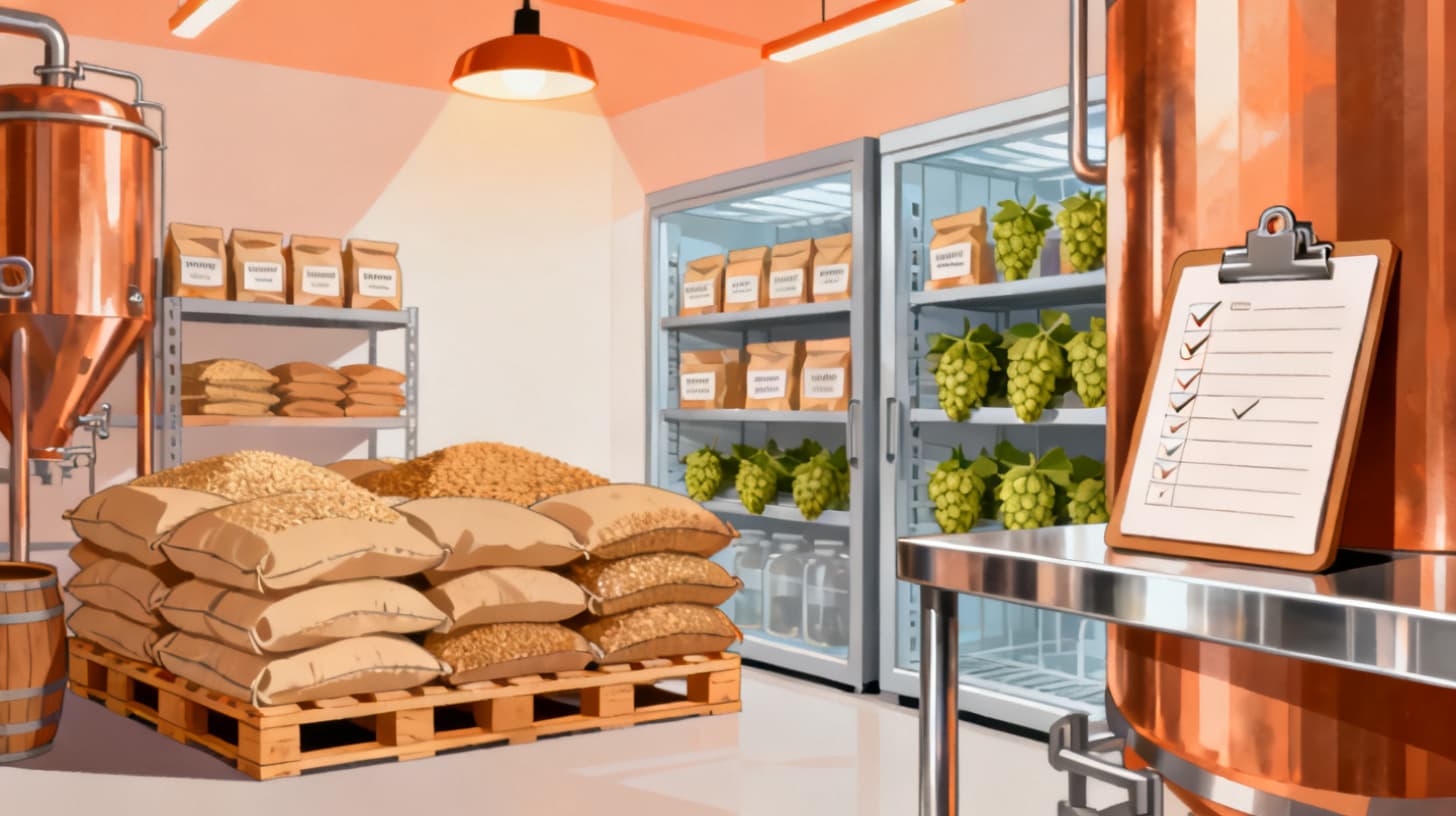
- Raw materials: Grain, hops, yeast, adjuncts, water treatment chemicals, finings
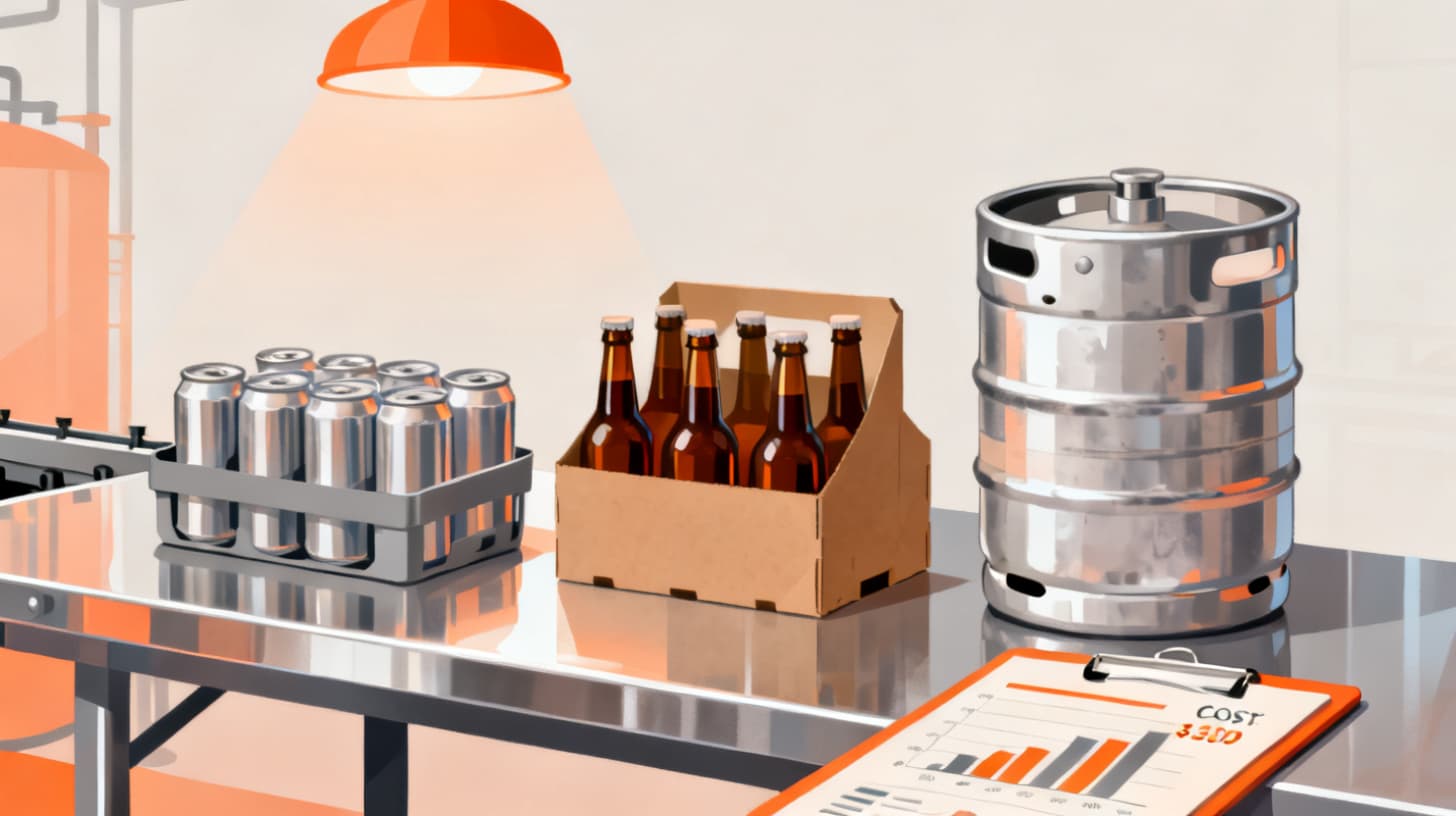
- Packaging supplies: Cans, bottles, crowlers, labels, carriers, shrink wrap, caps
- Finished goods: Kegs, cases, individual units ready for sale or distribution
- Consumables: Cleaning chemicals, CO2, nitrogen, glycol
- Equipment and spare parts: Gaskets, fittings, replacement valves (optional but valuable)
Each category behaves differently. Hops degrade over time. Cans sit on pallets for months. Finished kegs need to be tracked by batch. You can't apply a single tracking method to all of these and expect good results.
Choose Your Unit of Measure Early
This sounds boring, but inconsistent units of measure are the number one source of inventory errors in breweries. If your brewer logs hop usage in ounces but your purchasing manager orders in pounds, you'll have discrepancies from day one.
Pick a standard unit for each material type and document it. Grams or pounds for hops. Pounds or kilograms for grain. Cases, units, or pallets for finished goods. Make sure everyone on your team knows the standard, and make sure your tracking system enforces it.
Establish Storage Locations
Inventory that exists "somewhere in the brewery" doesn't really exist in any useful sense. You need defined locations, and your system needs to know about them. Common brewery locations include:
- Dry storage (grain, adjuncts)
- Cold storage (hops, yeast)
- Packaging area
- Finished goods warehouse
- Taproom stock
- Off-site storage or distribution warehouse
When you set up location-based tracking, you gain the ability to do inter-location transfers, which means you always know not just how much you have, but where it is. This becomes especially valuable as your operation grows and you add a second cooler, a satellite taproom, or a distribution partner.
Set a Baseline with a Physical Count
No system works if the starting data is wrong. Before you go live with any tracking method, do a full physical count. Every bag of malt. Every sleeve of cans. Every keg in the cooler. Record quantities, lot numbers where available, and locations.
Yes, this takes time. For a mid-sized brewery, expect a full day with two or three people. Schedule it during a slow period. The accuracy you gain here saves you weeks of confusion later.
Building Your Tracking Workflow Step by Step
Once your foundation is solid, it's time to build the actual workflow, the daily and weekly routines that keep your inventory data accurate. A system is only as good as the habits around it.
Step 1: Track Every Inbound Transaction
Every time materials arrive at your brewery, they need to be logged. This means recording:
- What arrived (item, quantity, lot number)
- When it arrived
- Where it was stored
- Which purchase order it corresponds to
- Any discrepancies between what was ordered and what was received
This last point matters more than most brewers realize. Vendors short-ship. Bags get damaged in transit. If you don't catch these issues at receiving, they become phantom inventory, numbers in your system that don't match reality.
A good workflow looks like this: your receiving person checks the delivery against the purchase order, notes any variances, and logs the receipt into your inventory system. The stock levels update automatically. If you're using a platform like BrewPlanner, this receiving step ties directly into your purchase order lifecycle, so you can track which orders are pending, which have been received, and which are running late.
Step 2: Record Every Outbound Usage
This is where most breweries struggle. Logging what comes in is relatively easy because it's tied to a delivery event. Logging what goes out requires discipline from your brewing team.
Every brew day, your brewer should record the actual ingredients used, not just the recipe targets. If the recipe calls for 200 pounds of Pale Malt but the brewer actually used 205, the system should reflect 205. Over the course of a year, those five-pound variances per batch add up to hundreds of pounds of untracked grain.
The same principle applies to packaging supplies. Every canning run should log the number of cans, labels, and carriers consumed. Every keg fill should decrement empty keg inventory and increment full keg inventory.
Build this into your production checklists. If recording inventory usage is a required step before a brewer can mark a batch complete, it becomes habit rather than afterthought.
Step 3: Handle Transfers Between Locations
If you move a pallet of canned beer from your production warehouse to your taproom, that's a transfer, not a sale and not a loss. Your system needs a transfer transaction type that decrements one location and increments another without affecting your total count.
Without this, you'll see false stockouts in one location while another location appears overstocked. Your team will stop trusting the numbers, and once trust is gone, people stop updating the system entirely.
Step 4: Conduct Regular Cycle Counts
Even with perfect logging, inventory drift happens. Spillage, evaporation, measurement errors, and the occasional unlabeled bag of specialty malt all contribute to discrepancies between your system numbers and physical reality.
Don't wait for an annual count to catch these issues. Instead, implement cycle counting: pick a different category or location each week and do a quick physical count. Compare the results to your system. Investigate and correct any variances.
A practical cycle count schedule might look like this:
WeekArea CountedTypical Duration1Hops cold storage30-45 minutes2Grain room45-60 minutes3Packaging supplies30 minutes4Finished goods (kegs)60 minutes
This rotating schedule means every category gets counted at least once a month, and no single count takes more than an hour. The result is continuously accurate inventory data.
Connecting Inventory to Production and Financial Data
Inventory tracking in isolation has limited value. The real power comes when your inventory data feeds into your production planning, cost accounting, and purchasing decisions. This is where you move from "knowing what you have" to "making smarter decisions."
Link Recipes to Bills of Materials
A bill of materials (BOM) defines exactly what goes into a finished product. For a six-pack of your flagship pale ale, the BOM might include:
- 2.1 lbs of Pale Malt
- 0.3 lbs of Crystal 40
- 0.8 oz of Cascade hops
- 0.4 oz of Centennial hops
- 6 cans
- 1 carrier
- 6 labels
- 1 shrink wrap sleeve
When your BOM is defined in your system, you can calculate the true material cost of each product down to the penny. You can forecast material needs based on your production schedule. And when you run a brew, the system can automatically decrement the right quantities from inventory.
This is also where inventory data connects to your cost of goods sold (COGS). If you want to understand your true cost per barrel, and you should, you need accurate BOMs and accurate inventory transactions. For a deeper look at that calculation, check out how to calculate and track true brewery COGS per barrel.
Use Inventory Data to Drive Purchasing
Once your consumption patterns are visible in your system, you can set reorder points and avoid both stockouts and over-ordering. A reorder point is simply the minimum quantity that triggers a new purchase order.
To calculate a reorder point, you need two numbers:
- 1Average daily or weekly usage: How much of this item do you consume in a typical period?
- 2Lead time: How long does it take from placing an order to receiving the materials?
Multiply usage rate by lead time, and add a safety buffer. For example, if you use 500 pounds of Pale Malt per week and your supplier takes two weeks to deliver, your reorder point is at least 1,000 pounds plus whatever buffer makes you comfortable.
With a platform that tracks both inventory and vendor purchase orders, you can tie these reorder points directly to your supplier catalog and generate purchase orders when stock dips below threshold.
Generate Reports That Drive Decisions
Raw data isn't useful until it's shaped into reports that answer specific questions. The inventory reports that matter most for breweries include:
- Current stock levels by location: What do we have, and where is it?
- Transaction history: What moved in, out, or between locations over a given period?
- Consumption by batch: How much material did each brew actually use versus the recipe target?
- Variance reports: Where are the biggest gaps between system counts and physical counts?
- Inventory valuation: What's the total dollar value of materials on hand?
Being able to export these as spreadsheets (XLS format, for instance) lets you share data with your bookkeeper, accountant, or business partners who may not have access to your production system.
Making the System Stick with Your Team
The best inventory system in the world fails if your team doesn't use it consistently. The human element is always the hardest part. Here's how to build adoption into your culture rather than fighting against it.
Keep Data Entry Simple and Fast
Every extra click or field your brewer has to fill out is a reason to skip the step. Streamline your data entry to the absolute minimum required fields. If logging a grain usage takes more than 30 seconds, it's too complicated.
Mobile-friendly interfaces help enormously. Your cellar person shouldn't have to walk back to the office computer to log a dry hop addition. If they can scan a barcode or pull up a quick entry form on a tablet mounted in the brewhouse, compliance goes up dramatically.
Assign Clear Ownership
Inventory accuracy needs an owner. In a small brewery, this might be the head brewer or the operations manager. In a larger operation, it could be a dedicated inventory or purchasing coordinator.
This person is responsible for:
- Ensuring transactions are logged daily
- Running and reviewing cycle counts
- Investigating variances
- Maintaining item records (adding new items, updating units, retiring discontinued materials)
- Training new team members on the system
Without a clear owner, inventory tracking becomes "everyone's job," which quickly becomes nobody's job.
Build Inventory Steps into Existing Workflows
Don't create separate "inventory time." Instead, embed inventory tasks into workflows your team already does. Receiving goes into the existing delivery routine. Usage logging goes into the brew day checklist. Transfer logging happens when someone physically moves product.
This approach works because it doesn't add new events to someone's day. It adds small steps to events that are already happening. The friction is minimal, and the data capture becomes automatic.
Review Data Together Regularly
Set up a weekly or biweekly quick review. Pull up your stock levels, flag any items that are below reorder points, review any large variances from the last cycle count, and discuss upcoming production needs. This meeting shouldn't take more than 15 minutes.
The goal is to make inventory data a living part of your decision-making process, not a set-it-and-forget-it system that slowly degrades.
The breweries that succeed with inventory management aren't the ones with the fanciest tools. They're the ones where tracking is baked into everyday habits and reviewed regularly.
If you're ready to move beyond spreadsheets and sticky notes, BrewPlanner gives you a complete inventory management system designed specifically for breweries. You get item tracking, location management, transaction logging, vendor purchase orders, and reporting tools that connect directly to your production schedule. Start organizing your inventory today and stop guessing about what's on your shelves.