A missed tank turnover. A double-booked fermenter. A frantic text thread at 6 AM because someone forgot to update the shared Google Sheet. If you've managed production at a craft brewery for more than a few months, you've lived at least one of these nightmares. And the root cause is almost always the same: you're trying to coordinate a complex, multi-phase production process using a tool that was never designed for it.
Spreadsheets are comfortable. They're familiar. And for a one-barrel brewpub making four beers, they might even work. But the moment your operation grows to include multiple fermenters, a brite tank or two, and a schedule that stretches beyond next week, those color-coded cells start cracking under the pressure. The result? Lost capacity, wasted ingredients, and a production team that spends more time managing the schedule than actually brewing.
The good news is that visual, drag-and-drop production planning tools built specifically for breweries now exist, and making the switch is far less painful than you think. BrewPlanner was built to solve exactly this problem, giving brewery owners and production managers a scheduling grid that maps orders across brewhouse, fermenter, and brite tank phases with a simple drag-and-drop interface. In this guide, we'll walk through why spreadsheets fail at scale, what visual scheduling actually looks like in practice, and how to make the transition without disrupting your current production.
Why Spreadsheet Scheduling Breaks Down as Your Brewery Grows
Let's give spreadsheets their due. When you're a small operation, a well-organized Google Sheet or Excel workbook can track your brew days, tank assignments, and packaging dates. You might color-code cells by beer style, freeze a row of headers, and share the file with your head brewer. It works. Until it doesn't.
The fundamental problem is that spreadsheets are static, two-dimensional grids. Brewery production is a dynamic, multi-dimensional process. Every brewing order moves through distinct phases: mashing and boiling in the brewhouse, fermentation in an FV, conditioning or carbonating in a brite tank, then packaging. Each phase has a different duration depending on the beer style. A lager sits in the fermenter far longer than a pale ale. A barrel-aged stout might tie up a vessel for months. Spreadsheets have no native way to represent this kind of timeline overlap, and they certainly can't alert you when two orders are competing for the same tank on the same day.
The Hidden Cost of Manual Coordination
The real damage from spreadsheet scheduling isn't the occasional double-booking, though that's painful enough. It's the invisible cost of underutilized capacity. When your production manager has to mentally track which tanks are free, which orders are in queue, and how the schedule shifts when a fermentation runs long, they make conservative decisions. They leave buffer days between batches "just in case." They avoid scheduling a second brew day because they're not sure the fermenter will be available. Over the course of a year, those conservative choices add up to dozens of lost batches.
According to the Brewers Association, there are now thousands of craft breweries operating across the United States, and the vast majority are small, independent operations managing tight margins. In that environment, every unused tank day is revenue left on the table.
Version Control and Collaboration Chaos
There's another spreadsheet problem that brewery owners don't always recognize until they're in the thick of it: version control. When multiple people edit the same sheet, things get messy. Your head brewer updates fermentation dates from the brewhouse laptop. Your packaging lead adjusts the canning schedule from their phone. Your sales manager adds a note about a taproom event that needs kegs by Friday. Without a single source of truth that updates in real time and locks assignments to specific tanks, conflicts multiply.
Compare this to a purpose-built scheduling system where every team member sees the same visual timeline, every tank assignment is explicit, and every change is tracked. The difference isn't incremental. It's transformational.
What Visual Drag-and-Drop Scheduling Actually Looks Like
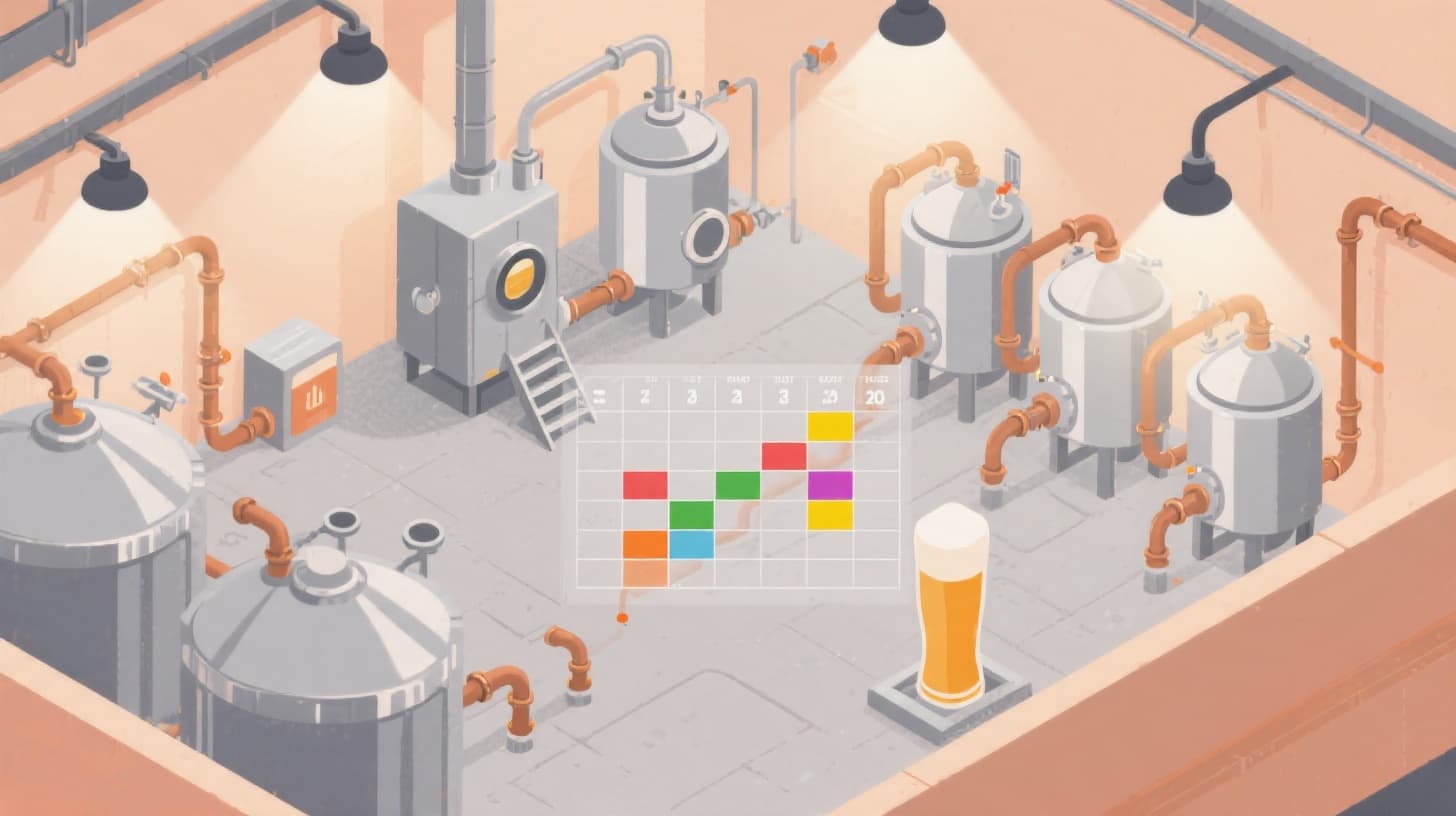
If you've never used a visual production planning tool, here's the simplest way to think about it: imagine a Gantt chart, but designed specifically for brewery operations. Along one axis, you see your tanks, grouped by type: brewhouse, fermenters, and brite tanks. Along the other axis, you see time. Each brewing order appears as a block that spans the days it occupies a given vessel, and you can drag that block to reassign it, extend it, or shift it forward.
This is exactly how the BrewPlanner scheduling grid works. When you create a brewing order, it flows through the phases defined by your beer style configuration. A hoppy IPA might have a one-day brewhouse phase, a ten-day fermentation phase, and a three-day brite tank phase. Those phases appear as connected blocks on the visual grid, and you assign each one to a specific vessel by dragging it into place.
Seeing Your Entire Production at a Glance
The most immediate benefit of visual scheduling is situational awareness. Instead of scrolling through rows of data and trying to piece together which tanks are occupied on which days, you simply look at the grid. Open slots are obvious. Bottlenecks are visible. If you're trying to squeeze in an extra batch before a festival, you can see exactly where the capacity exists, or whether it doesn't.
This bird's-eye view changes how you plan. Instead of reactive scheduling ("What do we brew next?"), you shift to proactive scheduling ("How do we maximize output over the next three weeks?"). You start spotting patterns. Maybe your fermenters are always full on Wednesdays but idle on Mondays. Maybe you could stagger your brew days to avoid downstream congestion at the brite tank.
Drag-and-Drop Tank Assignment
The drag-and-drop mechanic isn't just a convenience feature. It fundamentally changes the speed and confidence of scheduling decisions. In a spreadsheet, moving a batch from Fermenter 3 to Fermenter 5 means updating multiple cells, rechecking dates, and hoping nobody else edited the sheet in the meantime. In a visual planner, you grab the block and drop it on the new tank. The system handles the rest, including conflict detection.
This matters most when plans change, and in a brewery, plans always change. A yeast starter doesn't perform as expected. A key ingredient is delayed. A big distributor order lands and you need to prioritize a different beer. With visual scheduling, adapting to these changes takes seconds, not the thirty-minute spreadsheet archaeology sessions you're used to.
Schedule Drafts: Plan Before You Commit
One feature that separates real production planning tools from simple calendars is the ability to create schedule drafts. Think of it as a sandbox where you can rearrange your production plan, test different scenarios, and see the impact before publishing changes to the live dashboard. Want to see what happens if you add a second brew day on Thursdays? Build it in draft mode. Not happy with the result? Discard it. Love it? Publish it, and everyone on your team sees the updated plan instantly.
This kind of iterative planning is simply impossible in a spreadsheet without creating duplicate tabs, which inevitably leads to confusion about which version is current.
How to Transition from Spreadsheets Without Disrupting Production
Knowing that visual scheduling is better is one thing. Actually making the switch while you're still running a full production schedule is another. The fear of disruption keeps many breweries stuck on spreadsheets longer than they should be. Here's a practical, phased approach to making the transition smoothly.
Step 1: Audit Your Current Tanks and Beer Styles
Before you touch any software, take thirty minutes to document what you have. List every vessel in your brewery: brewhouse kettles, fermenters, and brite tanks. Note each one's working volume. Then list your active beer styles and the approximate time each one spends in each phase. If your West Coast IPA typically ferments for twelve days and conditions for three, write that down.
This audit serves two purposes. First, it gives you the data you need to set up your new scheduling system quickly. Second, it often reveals things you didn't realize, like the fact that you've been mentally carrying tank details that aren't documented anywhere, which is itself a risk.
Step 2: Set Up Your Digital Environment
Once you have your tank inventory and style profiles documented, setting up a visual scheduling tool takes surprisingly little time. In BrewPlanner, for example, you'd add your tanks by type, configure your beer styles with their phase durations and associated task checklists, and you're ready to start placing orders on the grid. The sign-up process includes a free version, so you can build out your brewery's configuration without any financial commitment.
Start by entering your current, in-progress orders. If you have a batch fermenting right now, put it on the grid in its actual position. If you have two brews scheduled for next week, add those. The goal is to recreate your current reality in the visual system before you start planning new production in it.
Step 3: Run Parallel Systems for Two Weeks
Don't abandon your spreadsheet on day one. Instead, run both systems in parallel for a brief overlap period. This gives you a safety net while your team gets comfortable with the new tool. During this period, make all scheduling decisions in the visual system and simply verify that they match what your spreadsheet would have told you.
What you'll find, almost immediately, is that the visual grid surfaces information faster and more reliably than the spreadsheet. Within a few days, your team will stop checking the spreadsheet. Within two weeks, you'll wonder why you didn't switch sooner.
Step 4: Expand Into Advanced Features
Once your core scheduling workflow is solid, start exploring the features that spreadsheets can't replicate at all. Attach brewing notes to specific orders and timeline phases so your team can log observations in context. Use task checklists tied to beer styles so quality control steps don't fall through the cracks. Track your inventory of raw materials alongside your production schedule so you know whether you actually have enough hops and malt to execute next week's plan. If you're planning your business operations more broadly, the SBA's resource on managing business operations provides useful foundational guidance for small businesses professionalizing their workflows.
These aren't just nice-to-haves. They're the features that turn a scheduling tool into a complete production management system. And they're the reason breweries that adopt visual planning rarely look back.
Building a Production Culture That Scales
Switching from spreadsheets to visual scheduling isn't just a technology change. It's a cultural shift in how your brewery approaches production planning. And that cultural shift is what ultimately determines whether you can scale from 500 barrels a year to 5,000 and beyond.
From Tribal Knowledge to Shared Visibility
In most small breweries, the production schedule lives in one person's head. Maybe it's the owner. Maybe it's the head brewer. Either way, if that person is out sick, on vacation, or leaves the company, the schedule goes with them. Visual scheduling tools externalize that knowledge. Every tank assignment, every order status, and every timeline is visible to the entire team. New hires can understand the production plan on their first day. That's not a minor improvement. For growing operations, it's a prerequisite for survival.
If you're still in the early stages of building your brewery and thinking about how production fits into your broader business strategy, our guide on starting a brewery business plan covers how to think about operational systems from day one.
Making Data-Driven Capacity Decisions
When your production history lives in a proper system rather than scattered across spreadsheet tabs and email threads, you can start making smarter capacity decisions. How many days does your average fermentation actually take versus what you planned? Which beer styles generate the most downstream bottlenecks? Are you at the point where adding another fermenter would meaningfully increase output, or is the brite tank actually your constraint?
These questions are nearly impossible to answer from a spreadsheet. They're straightforward when your production data is structured and queryable. And the answers drive some of the most important capital allocation decisions a brewery owner makes.
The Compound Effect of Better Scheduling
Here's what happens when you start scheduling visually. Your tank utilization improves because you can see and fill gaps. Your ingredient waste drops because you're not planning batches that conflict with your capacity. Your team spends less time coordinating and more time brewing. Your packaging schedule tightens because brite tank availability is visible. Your customer commitments become more reliable because you can actually predict when a beer will be ready.
None of these improvements are dramatic on their own. But compounded over months and years, they represent a meaningful increase in both output and profitability. For a brewery operating on the typical craft margins, that compound effect can be the difference between barely surviving and genuinely thriving.
The spreadsheet served you well when you were starting out. It was free, familiar, and just flexible enough to get by. But if your brewery has outgrown that tool and you're spending more time managing the schedule than executing it, the solution isn't a better spreadsheet. It's a fundamentally different approach to production planning.
Visual, drag-and-drop scheduling gives you the clarity, speed, and confidence to run a tighter operation. You see your entire production timeline at a glance. You reassign tanks in seconds. You plan ahead without fear of conflicts. And you build a production system that your whole team can rely on.
Ready to see what your production schedule looks like when it's actually designed for brewing? Check out BrewPlanner's pricing and start planning production the way it should be planned: visually, collaboratively, and with every tank accounted for.